

DSE and Workstation Safety
Set up a screen workstation in the office, at home or on the move, vary your work, report discomfort and know when you can have an eye test.
Content last checked on 21 October 2026. Some of its sources were checked again on 19 November 2026.
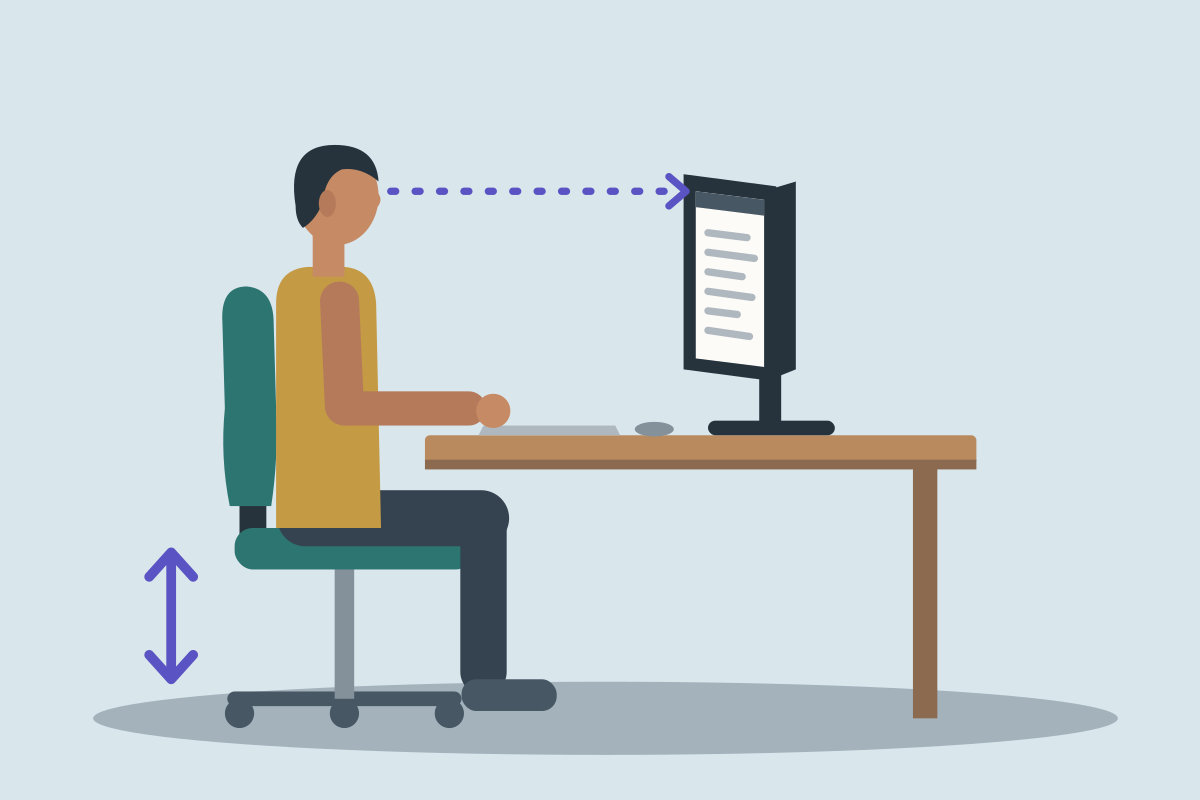
About this course
- Who it is for
- Council employees who use screens, including clerks, administrators and managers.
- How long it takes
- About 57 minutes if you read the lessons, or 65 if you listen to them, including the final assessment. An estimate from the course’s length, not yet timed with learners.
The lessons
- Who does what
- Inspect and adjust a workstation
- Home, hybrid and portable work
- Change activity and report problems
- Eye tests, eyesight arrangements and transfer
What you will be able to do
- Know who counts as a display screen equipment (DSE) user in law, and what the council must then provide.
- Know that a self-check helps, but HSE says a trained assessor should review it, and the council must put problems right.
- Know how to set your chair, screen, keyboard and mouse for your work, using only the controls you have been shown.
- Spot glare, poor reach, cramped legroom and trailing cables at a desk, and report what you cannot safely put right.
- Know how to set up a laptop for long spells of work, such as with a separate keyboard and mouse.
- Check a shared desk or home setup each time you change, rather than assuming it suits you.
- Take breaks or changes of activity that give you a real rest from the screen or keyboard, within the council’s planned routine.
- Report aches, discomfort or eye strain early, with the facts, without needing to know the cause.
- Ask for your assessment to be reviewed when your work, equipment or needs change, or a fix has not worked.
- Know that, as an employed screen user, you can ask for an eye test paid for by your employer.
- Know when your employer must provide special glasses for screen work, and when ordinary glasses are enough.
- Support a colleague whose needs a standard setup does not meet, asking what helps rather than asking for a diagnosis.
The law and guidance it rests on
The sources the course’s content was checked against, each with what it asks of a council and a link to the official text.
Health and Safety (Display Screen Equipment) Regulations 1992
An employer must assess the workstations of staff who use screens as a significant part of their work, plan breaks or changes of activity, and provide an eye test on request.
Health and Safety at Work etc. Act 1974
An employer must protect the health, safety and welfare of its staff and of others its work affects; staff must take reasonable care and co-operate.
Equality Act 2010, section 20
An employer must make reasonable adjustments for a disabled member of staff, which can include their workstation.
HSE: working safely with display screen equipment
HSE’s guidance on workstation assessments, breaks, training and eye tests.
See Pavryn Learn for yourself
A demonstration takes you through a learner’s course and the officer’s reports.